
Solutions
Spaces that communicate.Technology that works together.
We are a specialist workplace AV and video conferencing partner. Start simply online, then refine a professional design for your spaces through consultation.
Scenes are illustrative concepts, not CC client projects or exact product configurations.
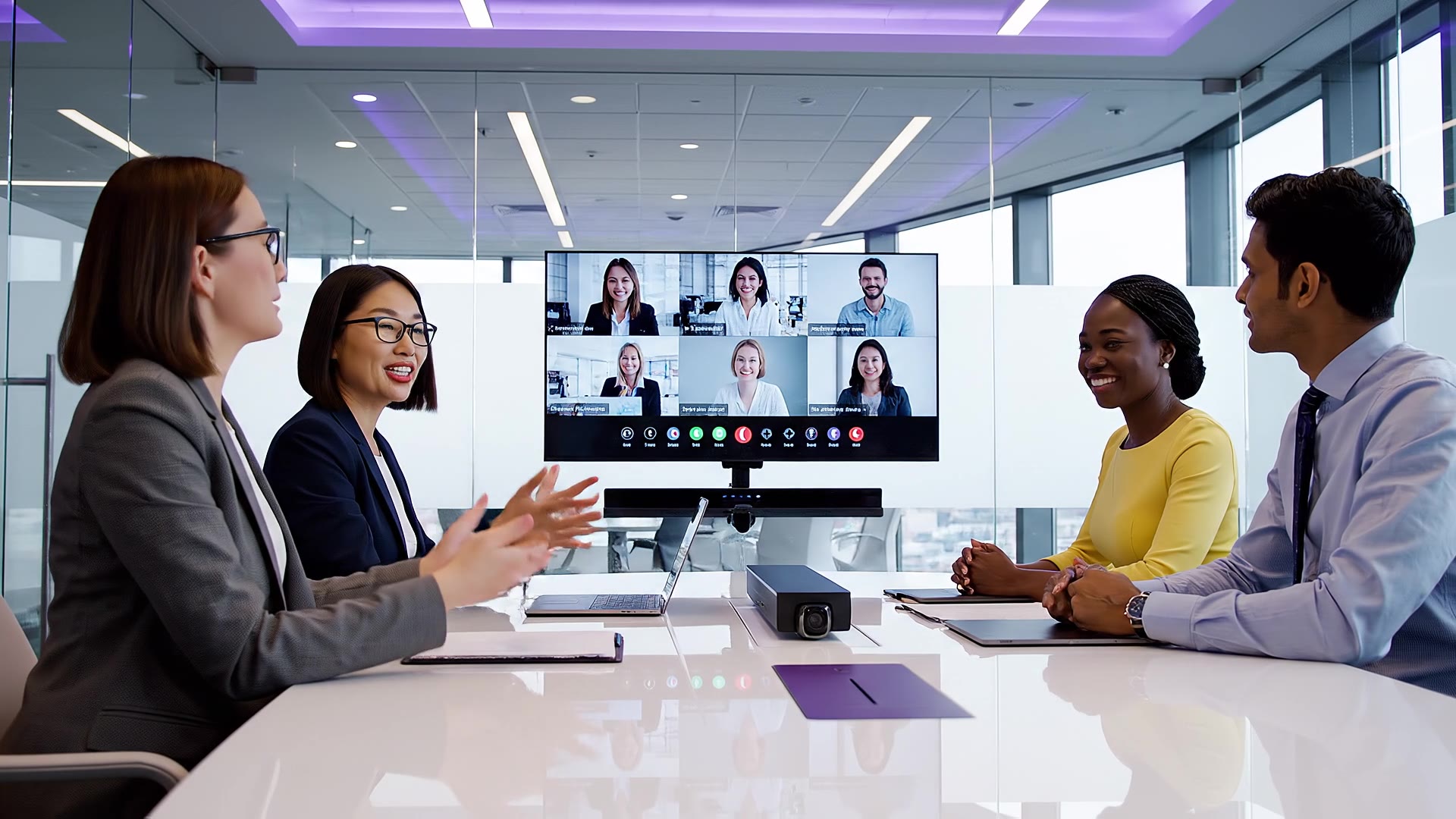
Video conferencing and meeting rooms
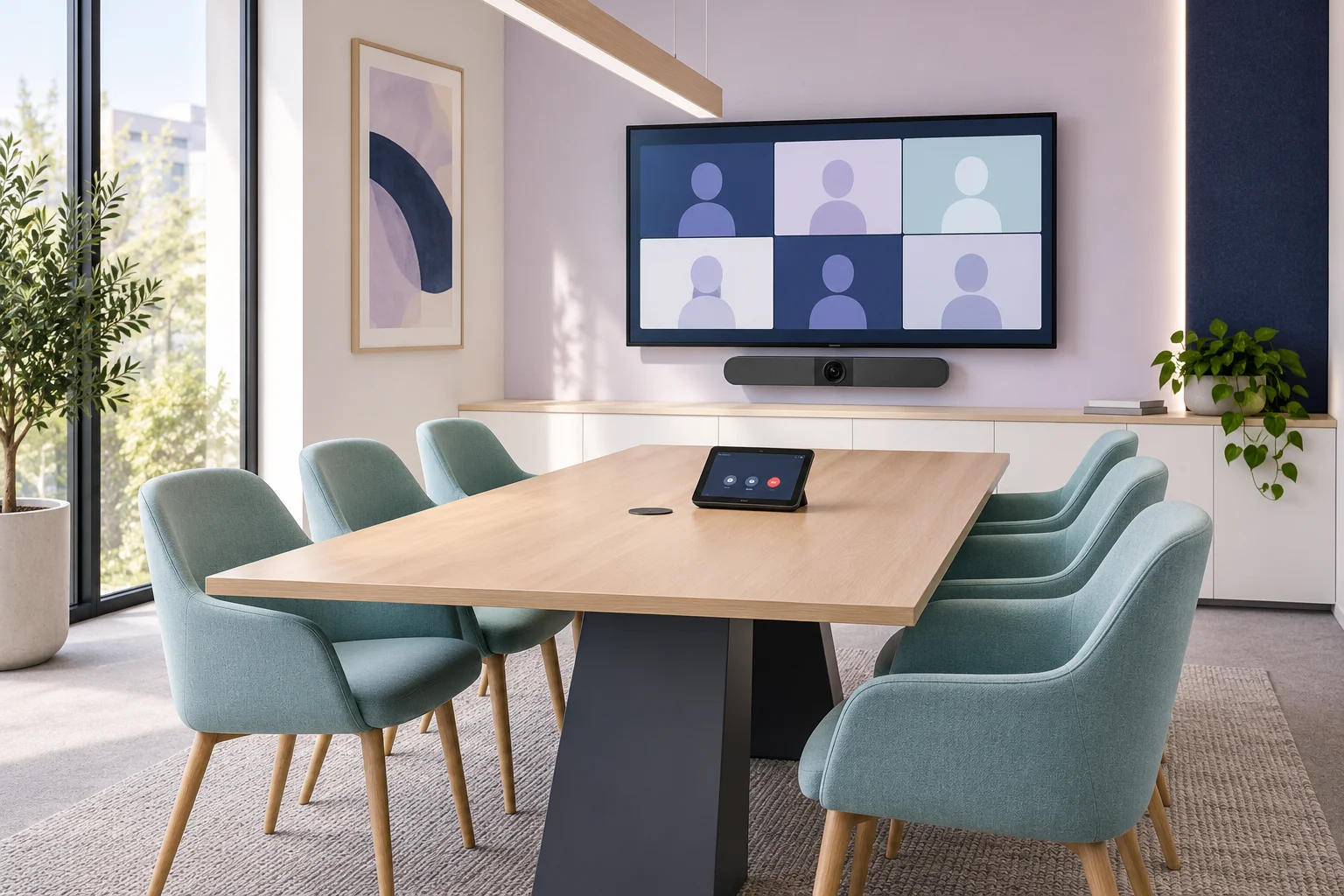
Meetings that feel natural on the platforms your teams already use.
- Huddle spaces and small rooms
- Medium rooms and boardrooms
- Complex and multi-purpose spaces
- Room audio, video and presentation considered together
Suitability is assessed room by room before anything is recommended.
Start an online room assessmentAudiovisual presentation and collaboration
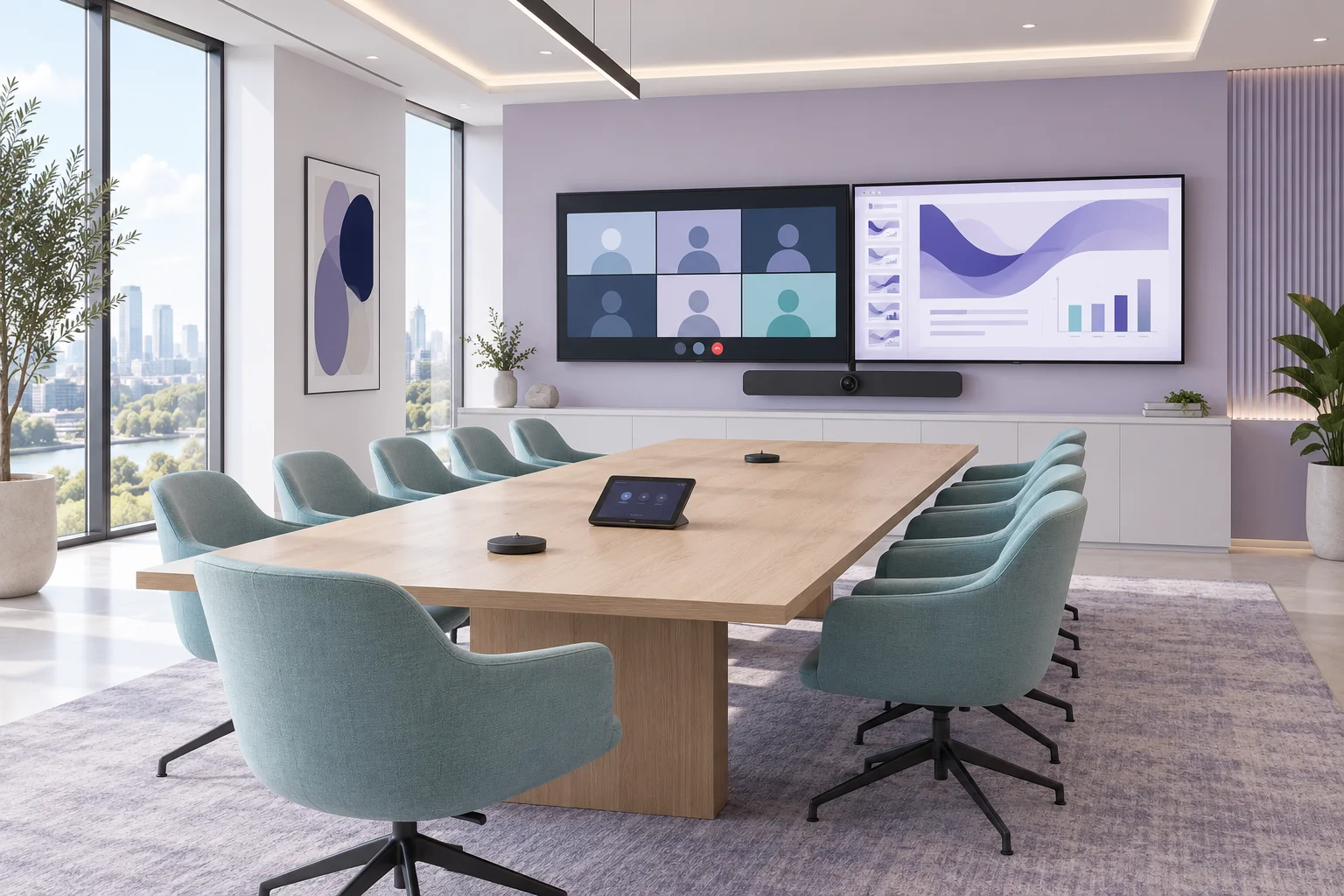
Share, present and hear clearly, whoever is speaking.
- Displays sized to the room
- Wired and wireless content sharing
- Sound reinforcement
- Integrated, easy-to-use spaces
Designed around how each space is actually used.
Start a project onlineDigital signage
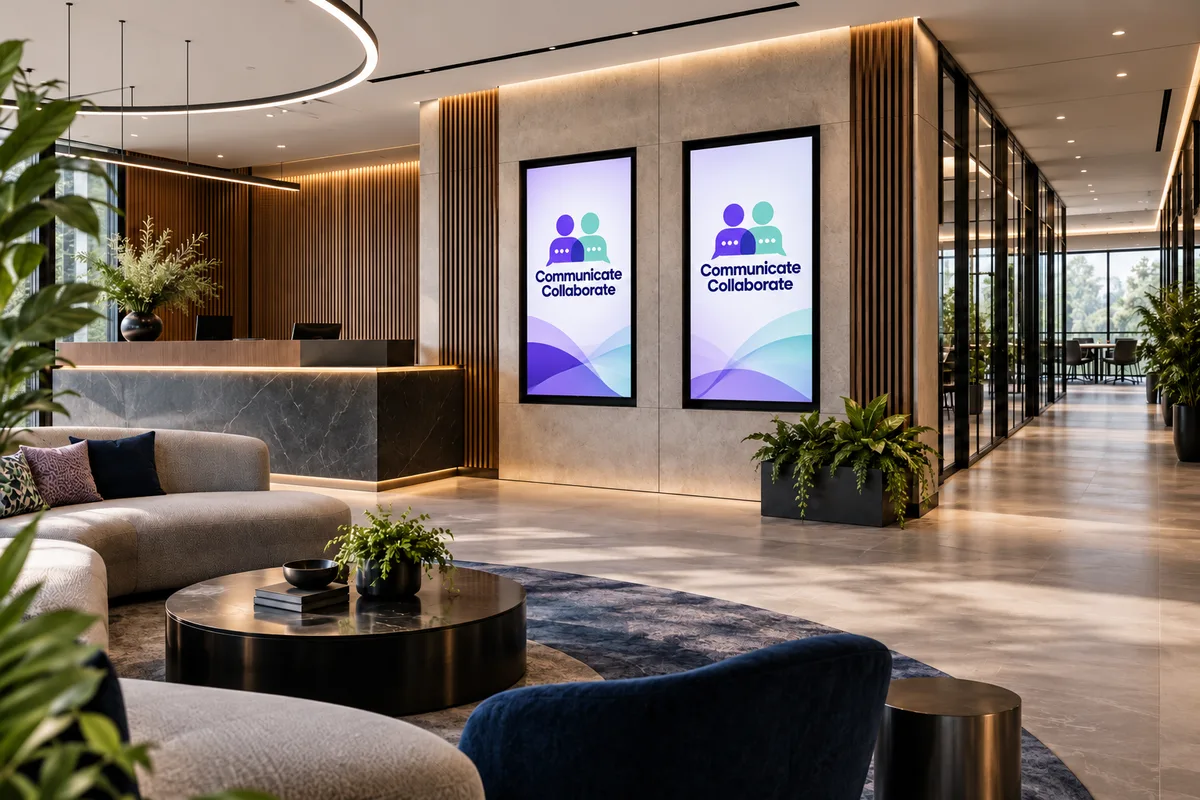
Clear, timely messages wherever people pass through.
- Reception welcome screens
- Internal communications
- Wayfinding
- Multi-screen layouts
Screen placement and content approach are agreed during design.
Start a project onlineLED video walls
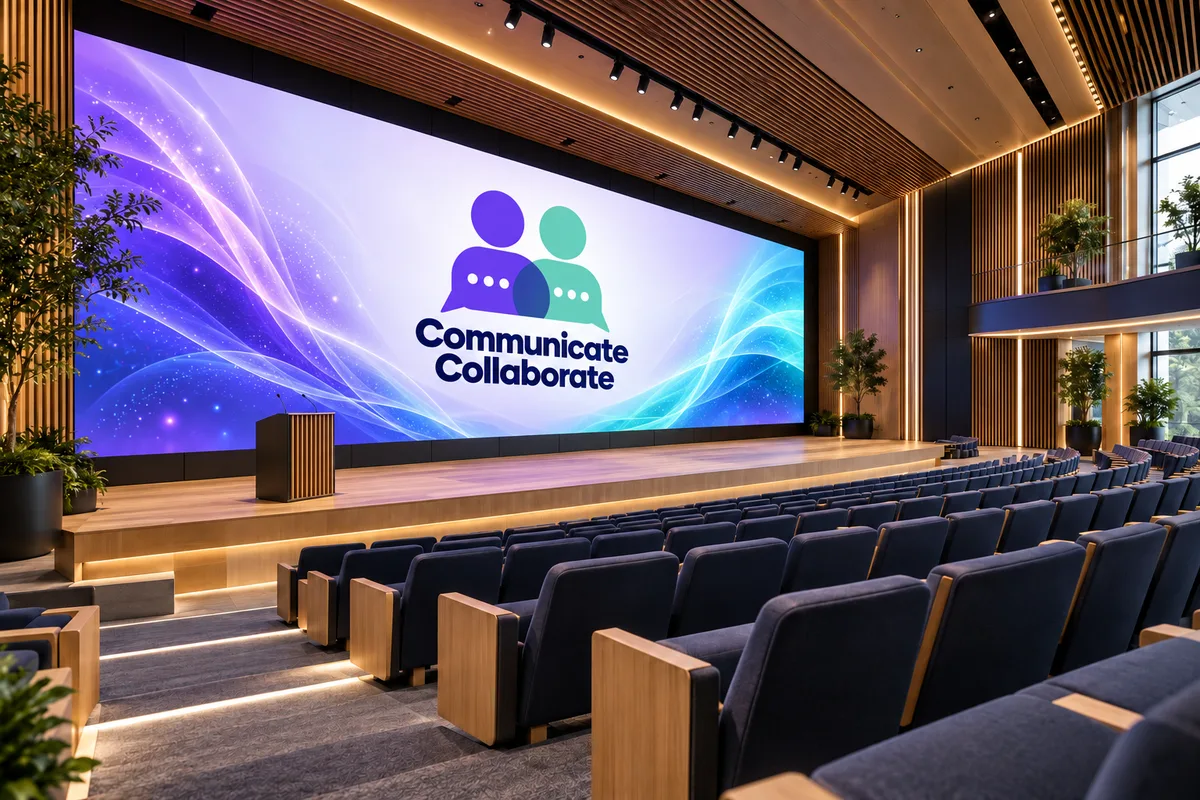
Seamless, large-format images for spaces that need presence.
- Receptions and atriums
- Town halls and presentations
- Event spaces
Direct-view LED forms one continuous image with no bezels. Tiled LCD video walls join individual panels with thin seams. We help you weigh which suits your space.
Start a project onlineDesk and room booking
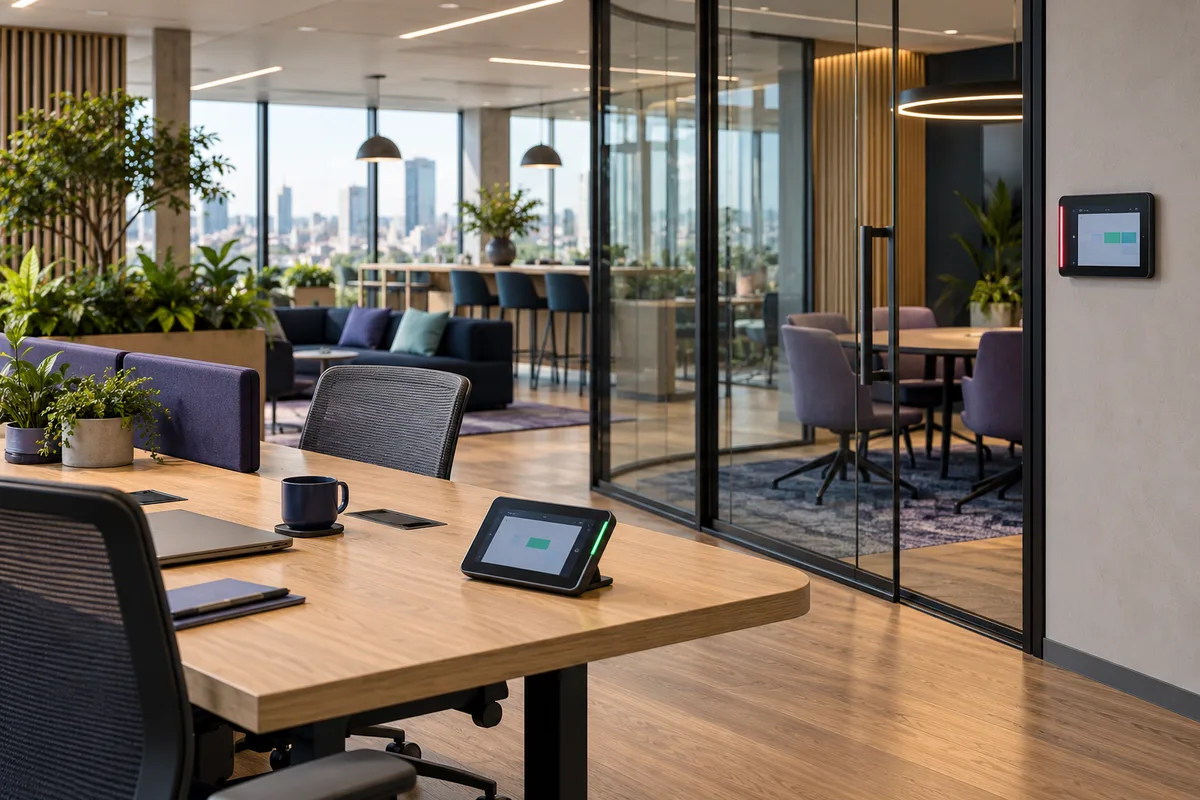
Find a desk or a room without the guesswork.
- Desk availability and reservations
- Room booking
- Door displays outside meeting rooms
Calendar and workplace integrations depend on compatibility and licensing, confirmed for your environment.
Start a project onlineIntegrated room control
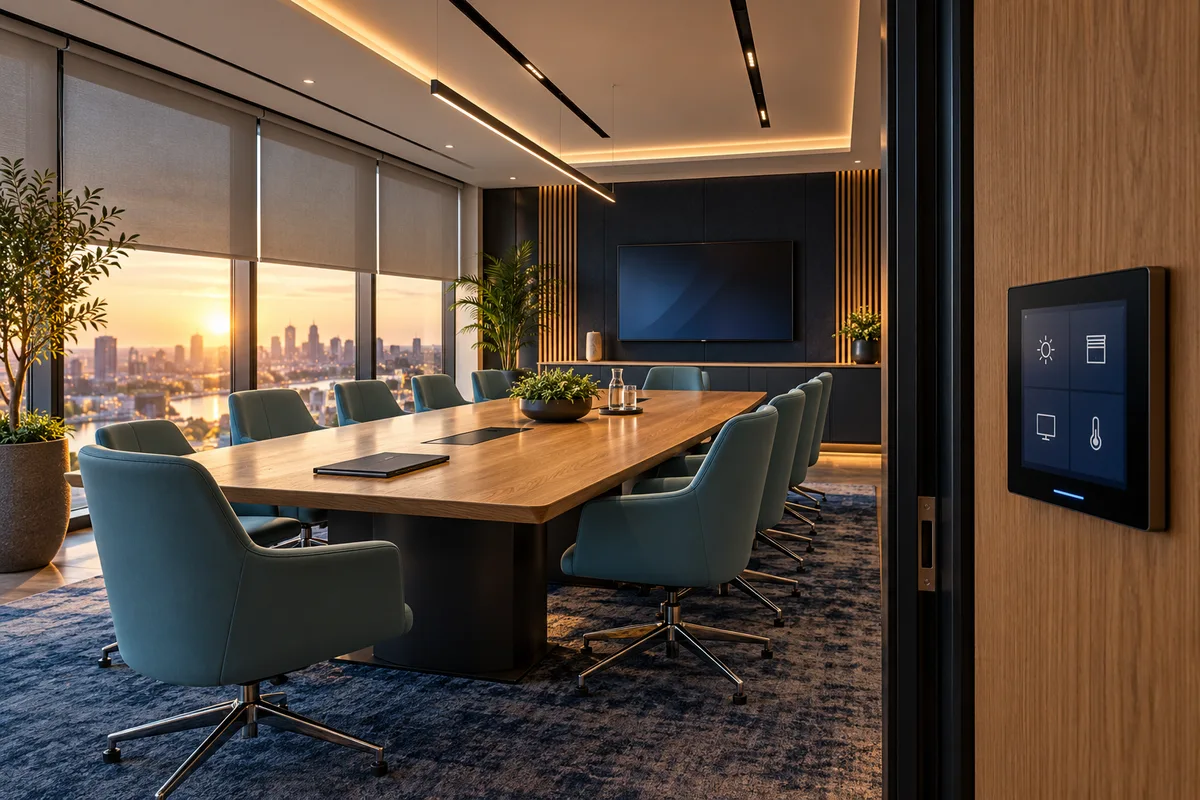
One simple way to set the room.
- Automated blinds
- Lighting scenes
- Coordinated AV control
What can be controlled depends on site and system compatibility.
Start a project onlineProjection
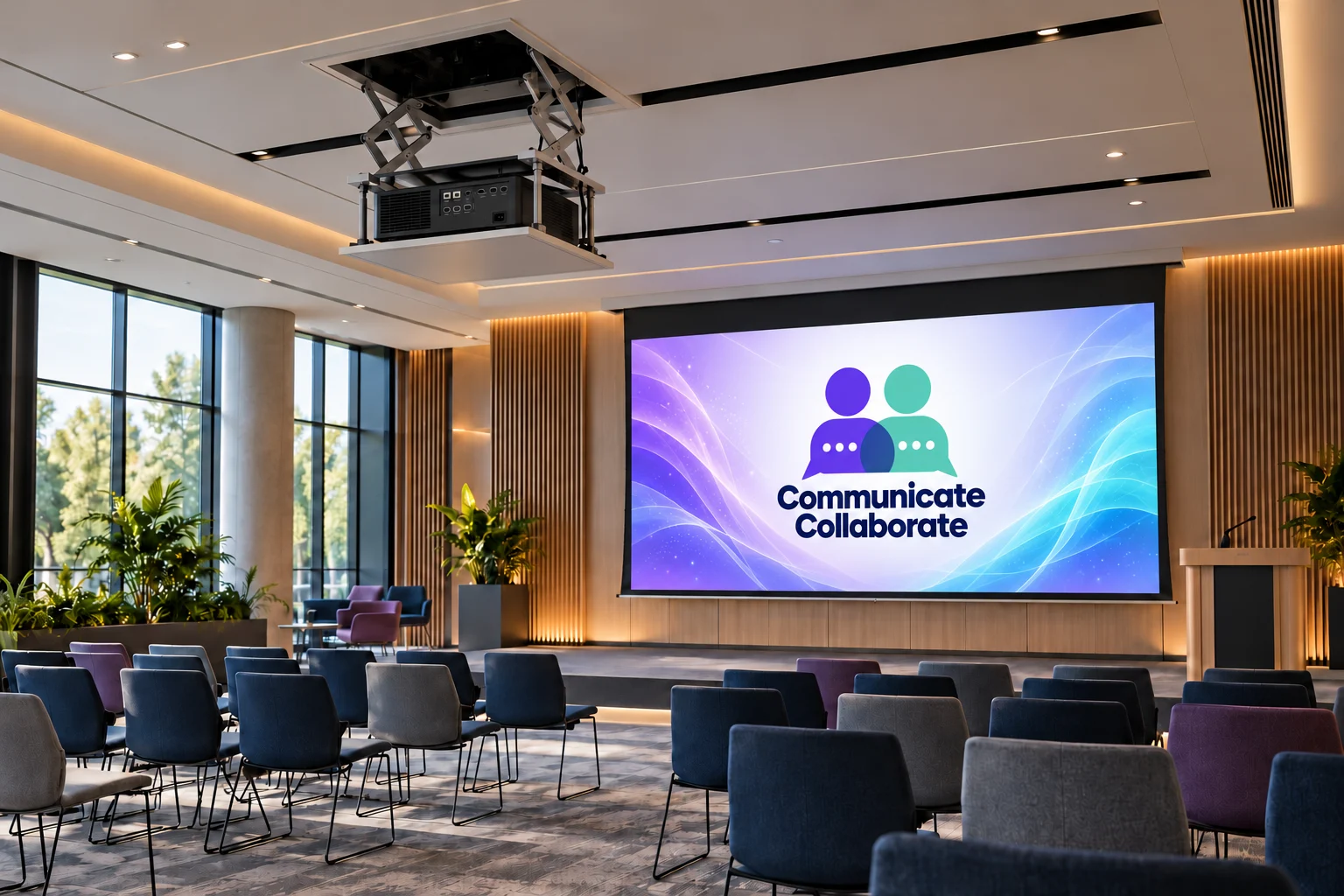
Big images for training and presentation, out of sight when not needed.
- Ceiling-retractable projector lifts
- Motorised drop-down screens
- Training rooms and presentation spaces
Professionally designed and installed, not plug-and-play.
Start a project online08 — Professional and managed services
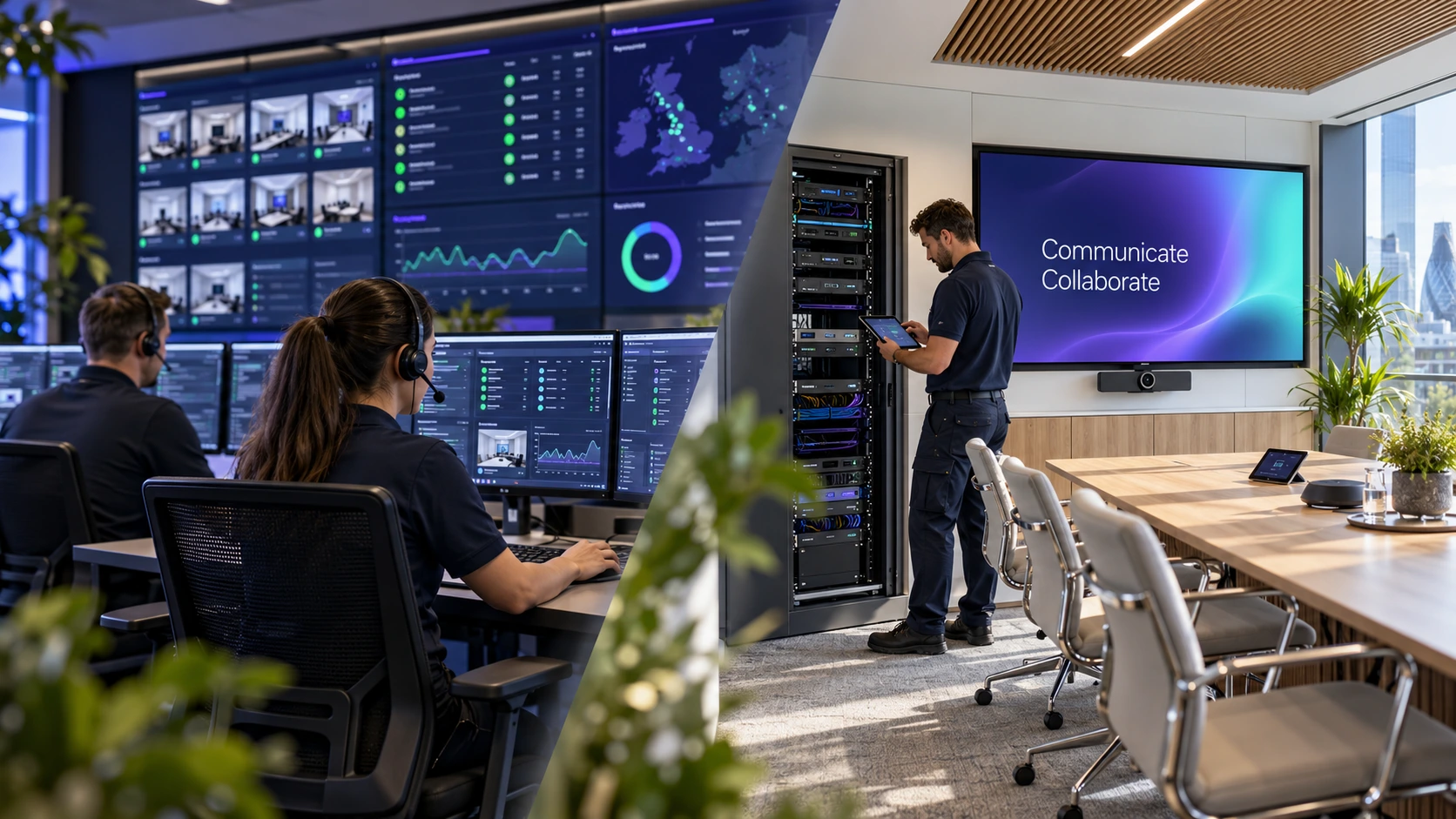
From initial survey to ongoing support, we help you plan, deliver and maintain your audiovisual and meeting-room technology. Choose a complete turnkey service or specialist expertise at the stages you need.
Survey and design
Site surveys, technical consultation and presales design, including equipment schedules, drawings and scopes of work.
Delivery and commissioning
Project management, installation, system programming, testing and commissioning, followed by user training and handover.
Support and managed services
Reactive fault diagnosis and resolution, alongside proactive monitoring, preventative maintenance and ongoing system management to keep your spaces performing reliably.
Delivery
From first conversation to handover.
Not a fixed catalogue. Every project is shaped around your spaces and delivered end to end.
- 01
Consultation
Understand your spaces and how they are used.
- 02
Presales design
Shape a design that fits each room.
- 03
Project coordination
Plan the work around your site.
- 04
Installation
Professionally fitted and commissioned.
- 05
Handover support
Walk-through so your teams are ready.
Start with one room, or the whole workplace.
Tell us about your spaces online. We will refine the details with you through consultation.